AI-Powered Engineering Support
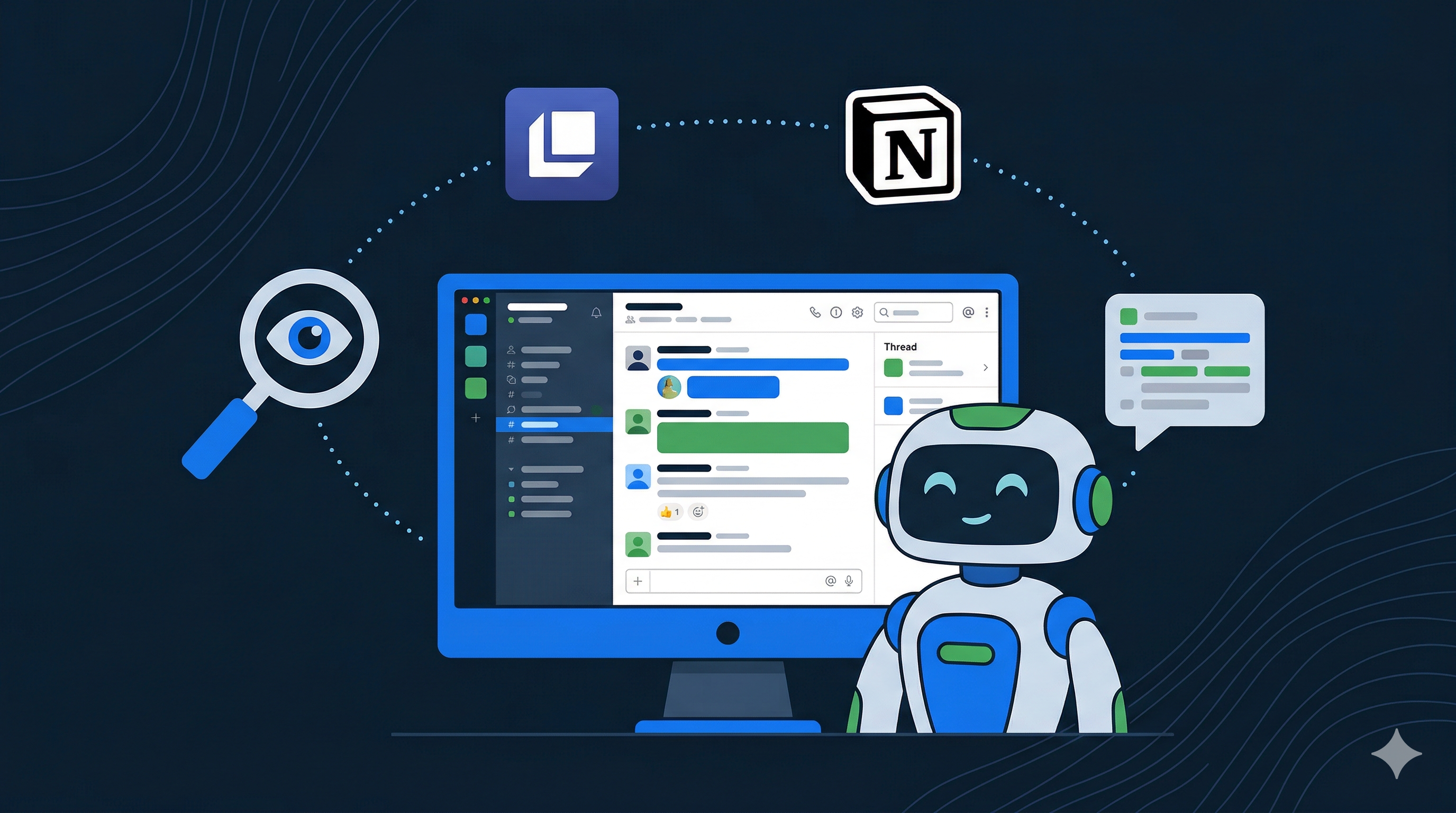
Engineering support requests at Remote used to mean hours of manual triage. We built an AI assistant during a 3-day hackathon that classifies issues, searches internal knowledge bases, and drafts responses. We’ve since tested it against real production support tickets, and the results have been surprisingly good.
At Remote, engineers rotate through support duty. When another team hits a problem (a customer reports unexpected behavior, a payment fails, an onboarding flow breaks) they post in #engineering-help. The engineer on rotation picks it up.
Each request follows roughly the same pattern:
- Read the thread to understand the issue.
- Search Linear for similar past tickets.
- Check Notion for relevant runbooks or product documentation.
- Determine whether it’s a bug or a product question.
- Route it to the right team, or write a response explaining the expected behavior.
This takes anywhere from fifteen minutes to over an hour per request, depending on complexity. Multiply that by the volume of requests hitting the channel every week, and you have a significant chunk of engineering time spent on context gathering rather than problem solving.
We had an idea for our January hackathon: what if an AI agent could handle the first four steps automatically? A team of four engineers took on the challenge and built a working prototype in three days.
Architecture
The system is built as a multi-agent pipeline using LangGraph, with the Model Context Protocol (MCP) as the integration layer for internal tools. There are four stages: a Slack interface captures the request, a classifier routes it, a specialist agent researches it, and a synthesizer formats the response.
Slack Integration
The entry point is a Slack Bolt application running on Node.js. When someone mentions the bot in a support thread, the app fetches the full thread context (the original request and all replies) and passes it into the agent pipeline.
A key piece of existing infrastructure made this work well: we already had a sync in place between Linear support tickets and their respective Slack threads. Every support ticket has a corresponding Linear issue, and all messages are synced between the two. This means when the bot reads a Slack thread, it’s not reading a random conversation. It’s reading the full history of a structured support ticket, complete with the back-and-forth between the reporter and the engineers who worked on it. The bot was designed to plug into this existing workflow rather than create a new one.
The bot sends an immediate acknowledgment, then posts the triage result back into the same thread using Slack’s Block Kit for rich formatting. Inline links to Linear issues, bold headings, bullet points, and code blocks all render natively in Slack rather than as raw markdown. Everything stays in the thread so it doesn’t clutter the channel.
The Classifier
The first stage is a router that classifies the request as either engineering (bugs, system errors, integration problems) or product (feature requests, UX feedback, workflow questions). It uses an LLM with Zod-validated structured output to produce a classification type and a focused search query: a few keywords distilled from the full thread context.
This is intentionally a lightweight call. We use a smaller, faster model here (e.g., GPT-4o-mini or Claude Haiku) since the task is simple classification, not complex reasoning. The system supports configuring different LLM providers and models per role, so the classifier, specialist agent, and synthesizer can each run on whichever model fits best.
Specialist Agents
Based on the classification, the pipeline routes to either an engineering or product specialist. These are ReAct agents that don’t follow a scripted sequence of tool calls. Instead, they receive the search query and a set of available tools, then autonomously decide what to search, evaluate the results, and search again if needed.
This matters because support tickets are messy. A single ticket might reference a customer name, an error code, a feature area, and a deployment date. A scripted approach would need to handle every combination. The ReAct pattern lets the agent adapt: if the first search returns nothing useful, it reformulates the query and tries again. If it finds a promising Linear issue, it might search Notion for the related runbook.
One subtle detail: the agent needs to avoid returning the ticket it was asked about. If someone tags the bot on ticket ENS-1234, the agent should find similar issues, not ENS-1234 itself. We handle this with a two-layer approach. The prompt explicitly instructs the agent to exclude the original ticket, and a post-processing step uses regex to filter out any references that slip through.
MCP: The Integration Layer
Rather than writing custom API clients for each data source, we use the Model Context Protocol via LangChain’s @langchain/mcp-adapters package. MCP is an open standard for connecting AI agents to external tools and data sources.
Our MultiServerMCPClient connects to two MCP servers:
- Linear via the official Linear MCP server at
mcp.linear.app, which exposes issue search, filtering by team and project, and issue detail retrieval. - Notion via the official
@notionhq/notion-mcp-server, which exposes page search and content retrieval across our documentation workspace.
The MCP tools are loaded at runtime and passed directly to the ReAct agents. The agents see tool names and descriptions and decide which ones to call, with no hardcoded API logic.
This is the part of the architecture we’re most excited about. Adding a new data source (say, codebase search or error tracking) means connecting another MCP server. The agents will discover the new tools automatically and start using them when relevant. No prompt changes, no new code paths.
The Synthesizer
After the specialist agent finishes researching, its findings flow into a synthesizer. This final stage takes the raw search results (Linear issues with their descriptions, Notion pages with content snippets) and produces a coherent response written as if explaining the situation to a colleague.
The synthesizer formats every reference as an inline link: Linear issues link directly to the issue page, Notion pages link to the document. The engineer reading the response can click through to any source immediately rather than having to search for it.
Putting It Together
The full pipeline is wired as a LangGraph StateGraph with conditional edges:
START → classify → [engineering | product] → synthesize → ENDState flows through the graph as a typed object. Thread messages, classification result, specialist findings, and final response each have a defined schema. The conditional edge after classification routes to the appropriate specialist based on the type field, and results merge back into a shared state before synthesis.
Testing Against Real Tickets
The hackathon produced a working prototype, but the real question was whether it could handle actual support requests, not toy examples crafted to make it look good.
We connected the bot to Remote’s production Linear and Notion workspaces and ran it against real tickets from #engineering-help. The results were better than expected.
The SSN Sync Ticket
One test case involved an SSN sync issue. The bot found multiple similar past tickets and produced step-by-step guidance:
- If the SSN change is for a company, here’s the resolution, based on this past ticket.
- If the SSN change is for an employee, here’s the resolution, based on this other ticket.
- If the request is about a re-sync where Remote is out of date, here’s what to do, based on a third past case.
This is exactly the kind of context that takes a long time to gather manually. These past resolutions are buried across Linear issues and Slack threads with long conversation histories. Finding them means knowing the right search terms and having the patience to read through multiple threads. The bot distilled it into a structured answer in seconds.
The Missing Payslips Ticket
Another test involved a ticket about payslips not being visible and notifications not arriving. The bot found an exact match: a ticket from just days earlier where the same symptoms were reported. The root cause: payslips won’t appear until they’re approved, and if they’re still in the validation stage, they look like they’re missing.
This wasn’t an engineering bug — it was a UX gap that we ended up making better. The ticket could have been resolved without engineering involvement at all if the person filing it had access to this context upfront.
What We Learned
Across the tickets we tested, a few patterns stood out:
Accuracy was high. The information the bot surfaced was consistently correct: real Linear issues with real resolutions, real Notion pages with relevant documentation. Every claim in the response was backed by a linked source, making it easy to verify.
The “head start” framing is right. The bot doesn’t solve tickets. It gives the engineer on rotation a running start: here’s what this looks like, here’s what worked before, here’s where to look. That alone cuts the context-gathering phase from minutes (or hours) to seconds.
Product questions are the sweet spot. Many support tickets are really knowledge gaps. Someone doesn’t know how a feature works or what the expected behavior is. These are the cases where the bot’s Notion search shines, and where it could potentially resolve tickets without human involvement.
Looking Ahead
The bot currently has access to Linear and Notion. Adding access to code is the highest-impact next step. Being able to search the codebase would help the agent trace issues to specific modules, identify code ownership, and surface relevant source files alongside the ticket history.
Beyond better context, we see a path toward using the bot as a pre-triage step in the support flow. Before a ticket reaches an engineer, the person filing it would see the bot’s analysis first. If the answer resolves their question (as it would have for the payslips ticket) no engineering time is needed at all. If it doesn’t, the ticket moves to engineering with the bot’s research already attached, so the engineer starts with context instead of from scratch.
The longer-term vision is a support flow where the bot handles product questions autonomously, only escalating to a human engineer when it identifies a genuine bug or lacks confidence in its response. The engineer on rotation becomes a reviewer rather than a first responder.
We’re currently preparing the bot for team-wide deployment. The architecture is ready. What remains is the operational work of provisioning production infrastructure, setting up monitoring, and rolling it out to the team. We’ll share what we learn from that process in a follow-up post.